
Master Web Development with AI Tools
Join our intensive 2‑day workshop and learn to build modern web applications using cutting‑edge AI tools. From setup to deployment, plus freelancing tips to monetize your new skills.
Workshop Overview
A focused, live online 2‑day program
Learn to build and ship a complete modern website using Next.js, Tailwind CSS, and AI‑assisted workflows. We’ll set up your environment, design responsive UIs, connect a backend, deploy to production, and cover freelancing strategies to monetize your skills.
Tools We’ll Use
What You’ll Achieve
By the end of this workshop, you’ll have tangible skills and outcomes
Build Complete Web Applications
Create full-stack applications from scratch using modern frameworks and AI assistance
Master AI Development Tools
Efficiently use ChatGPT, GitHub Copilot, and other AI tools to boost your productivity 10x
Deploy & Host Projects
Get your applications live on the internet with proper hosting and domain setup
Start Your Freelance Journey
Learn proven strategies to find clients and monetize your web development skills
Work with Modern Tech Stack
Gain hands-on experience with React, Node.js, databases, and deployment platforms
Portfolio-Ready Project
Walk away with a deployed project you can showcase to potential clients or employers
What Learners Say
Real words from recent attendees
I had a fantastic time at the session! The biggest highlight was the perfectly clear explanation of AI tools, which made complex web development concepts easily understandable for anyone new to the topic.
Attending this workshop was such a refreshing experience! I joined out of curiosity, but ended up feeling genuinely inspired. The way you broke down complex ideas and made them feel exciting and doable really clicked with me. It wasn’t just about learning—it sparked new ideas and gave me the confidence to explore more in this space. Grateful for the experience!
Had a really great session! Honestly, I didn’t expect an online workshop to be this engaging. It was amazing to actually work hands-on and learn how to make a website step by step. The tools you introduced and the way you explained everything made it super easy to understand. Really looking forward to working together in the future. Hope you grow even more! Truly enjoyed the session. Keep it up!
I had zero experience in coding, but the way you explained everything made it so easy to understand. Never thought I’d be able to develop a website, but you showed how AI tools can make it possible even for beginners. Just entering engineering, and I already feel confident that I can build a complete full-stack website on my own. Really enjoyed the workshop
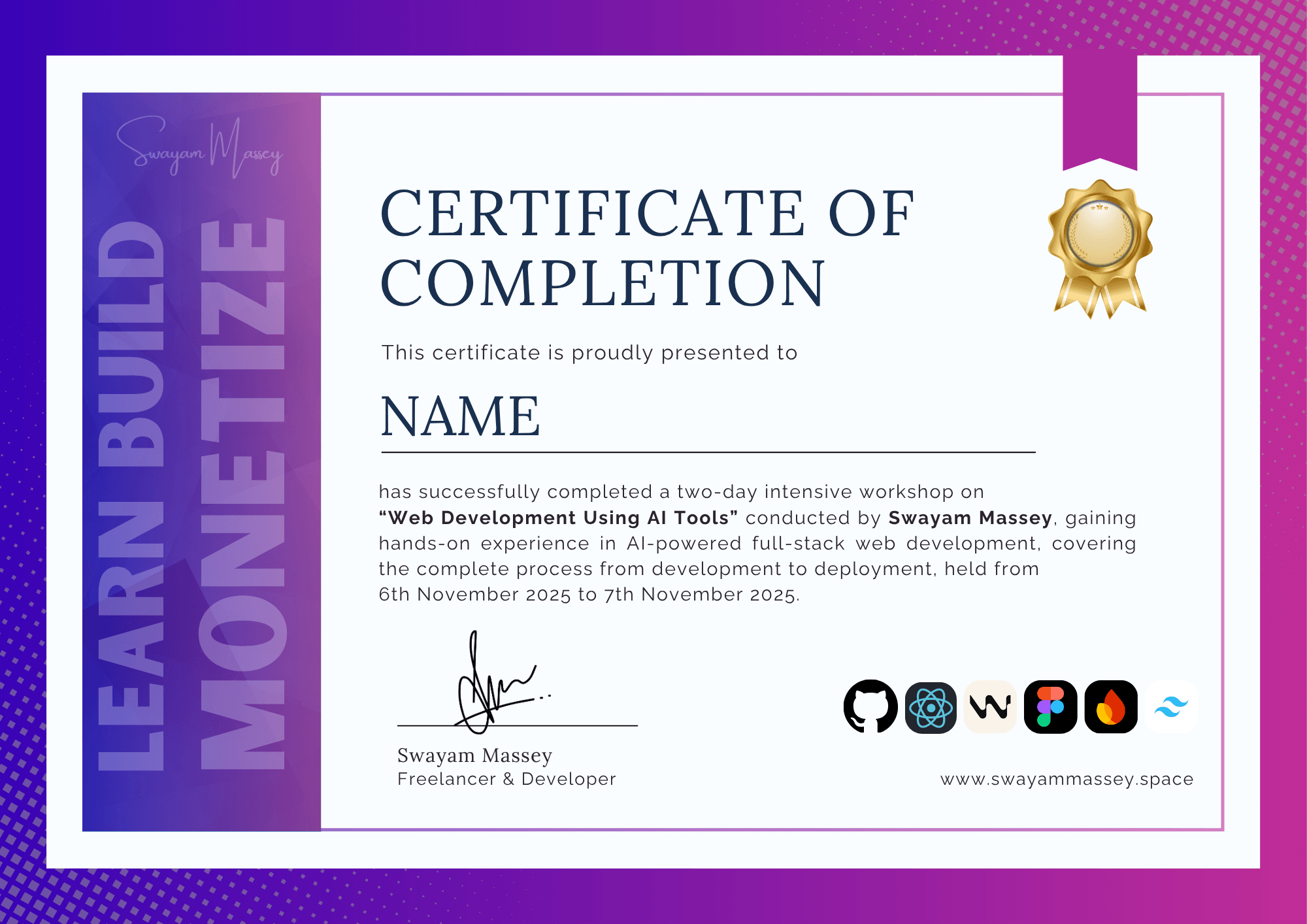
Certificate of Completion
You will receive a professional certificate after the workshop
- Official certificate upon successful completion
- Beautiful, professional design suitable for portfolios
- Personalized with your name and completion date
Course Structure
A comprehensive 2‑day journey from setup to deployment
Day 1: Foundation & Frontend
Setting up your development environment
- Environment Setup & AI Tools Installation
Install Windsurf, configure AI assistants (ChatGPT), and set up your development environment
- Frontend Development with AI
Build responsive UIs using React, leverage AI for component generation and styling with Tailwind CSS
- Backend Basics
Introduction to backend development, API creation, and integrating with your frontend
- Hands‑On Project Work
Start building your own project with guidance and AI assistance
Day 2: Advanced Features & Deployment
Complete your project and go live
- Advanced Frontend & Backend Integration
Connect your frontend with backend, manage state, and implement advanced features using AI tools
- Database Integration
Learn to work with databases and manage application data effectively
- Deployment & Hosting
Deploy your application to Vercel/Netlify and make it accessible to the world
- Freelancing Masterclass
Learn how to find clients, price your services, and monetize your web development skills
About Me


Hey, I’m Swayam Massey, a web developer, creator, and workshop mentor who loves turning ideas into digital reality. I’ve been freelancing for quite some time, working with clients and building digital projects that blend AI and creativity. Through this workshop, I aim to share everything I’ve learned, from building powerful websites to monetizing those skills, and help you kickstart your own journey into freelancing and digital growth.
Frequently Asked Questions
Got questions? We’ve got answers
We’ll use AI tools throughout, so you’ll clearly see how each part of a website is built and connected. Even as a beginner, you’ll gain practical clarity on how things work when making a website.
A laptop, a modern browser, and a GitHub account. We’ll install Windsurf during the session, but it’s better if you install it beforehand.
No recordings will be provided. Please ensure you can attend live on both days.
We use a mix of free tiers and optional paid tools. Alternatives will be suggested for every step.
You’ll learn practical steps to land entry‑level projects, improve your portfolio, and start talking to clients.